New
File the T&M now, the customer signs later
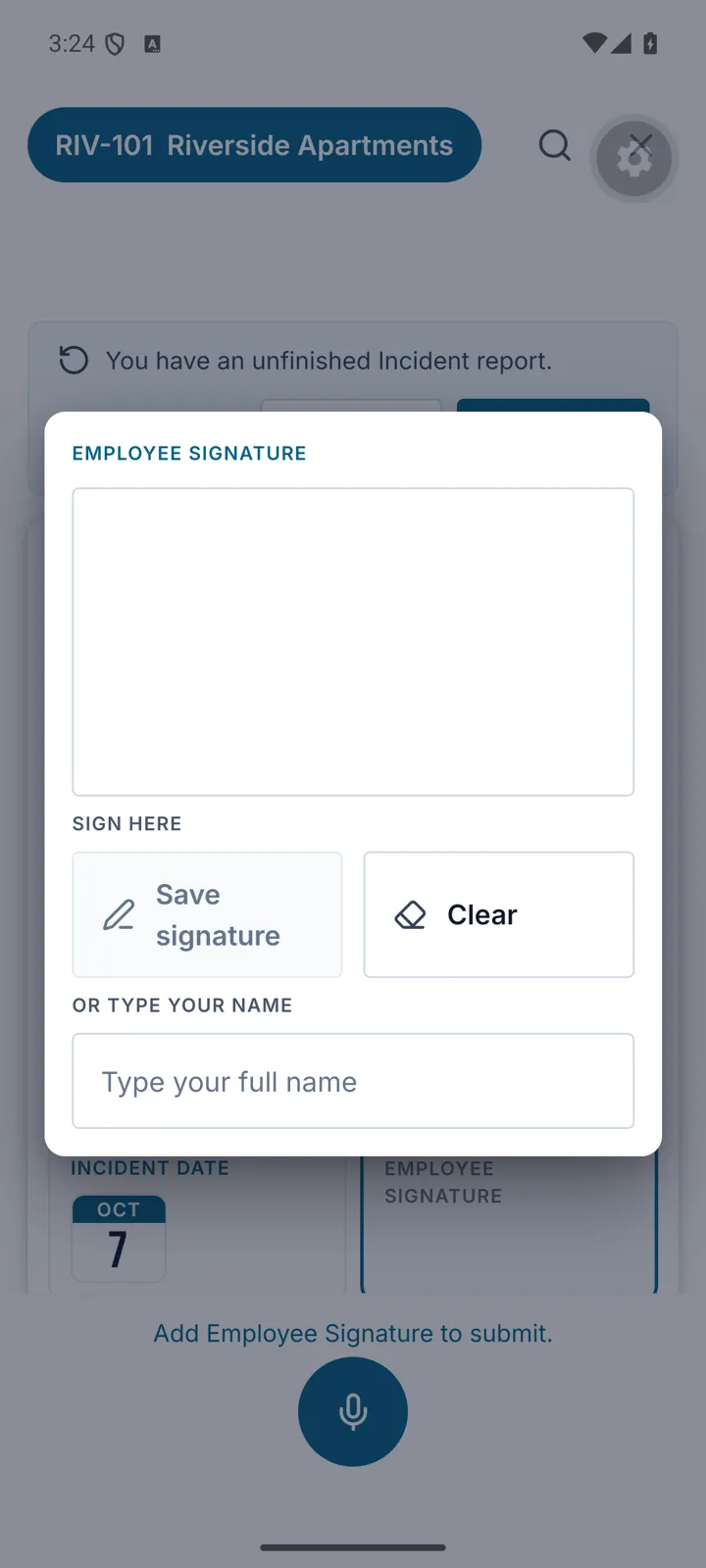
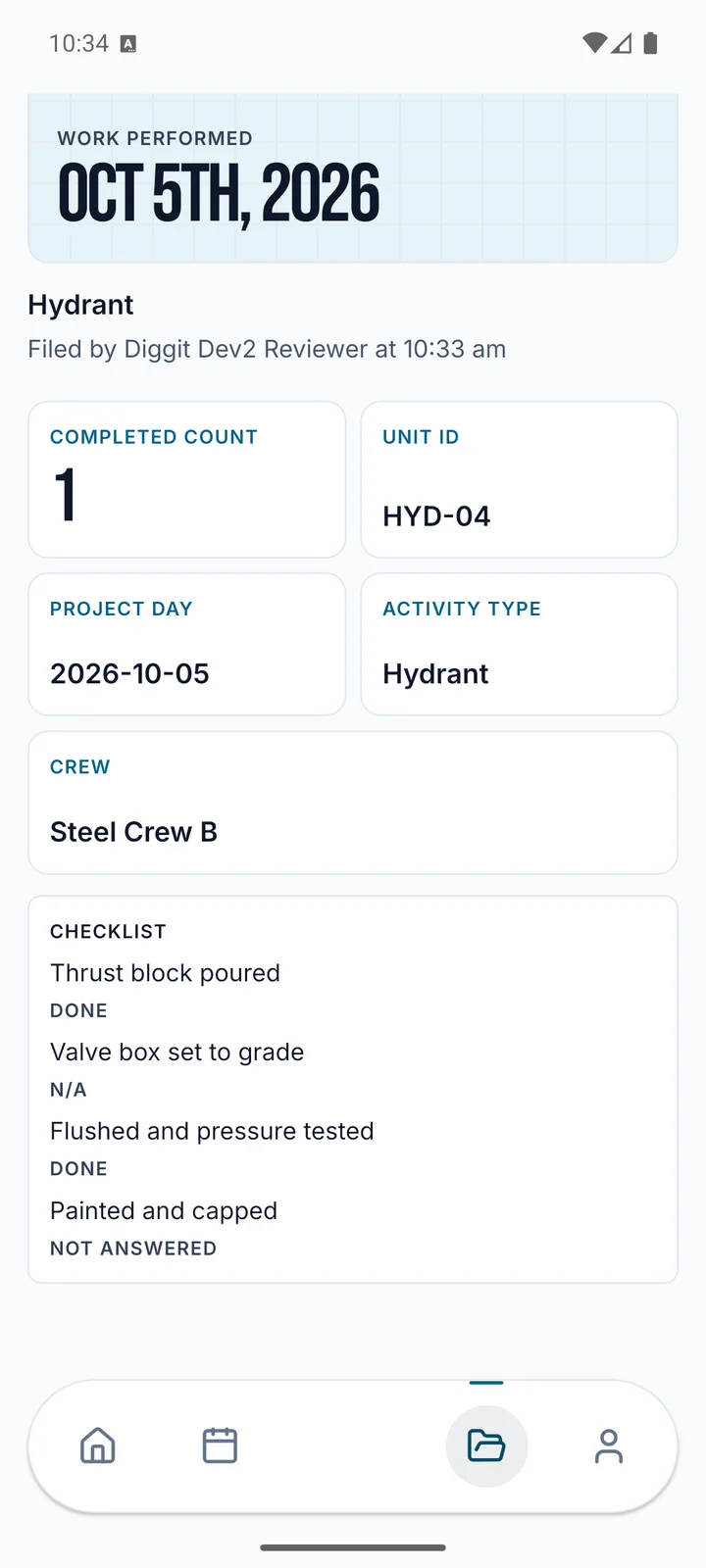
A signature question can be set to Sign After Filing, so a T&M Sheet files without the customer’s signature and gets signed later from its page. Your company chooses who signs each form, for every Job or one Customer, and can send the signer a link by text or email. The record shows the link went out, with Send Again and Cancel Link.
New
Split a day’s hours across Change Orders
The office can split a job day’s crew hours, equipment hours and materials across Change Orders and T&M. The record shows what’s split and what’s left, like “6 of 8 split, 2 left”, and the splits can never add up to more than the day. Removing a line now lowers the Change Order Amount and the T&M Sheet Total.
New
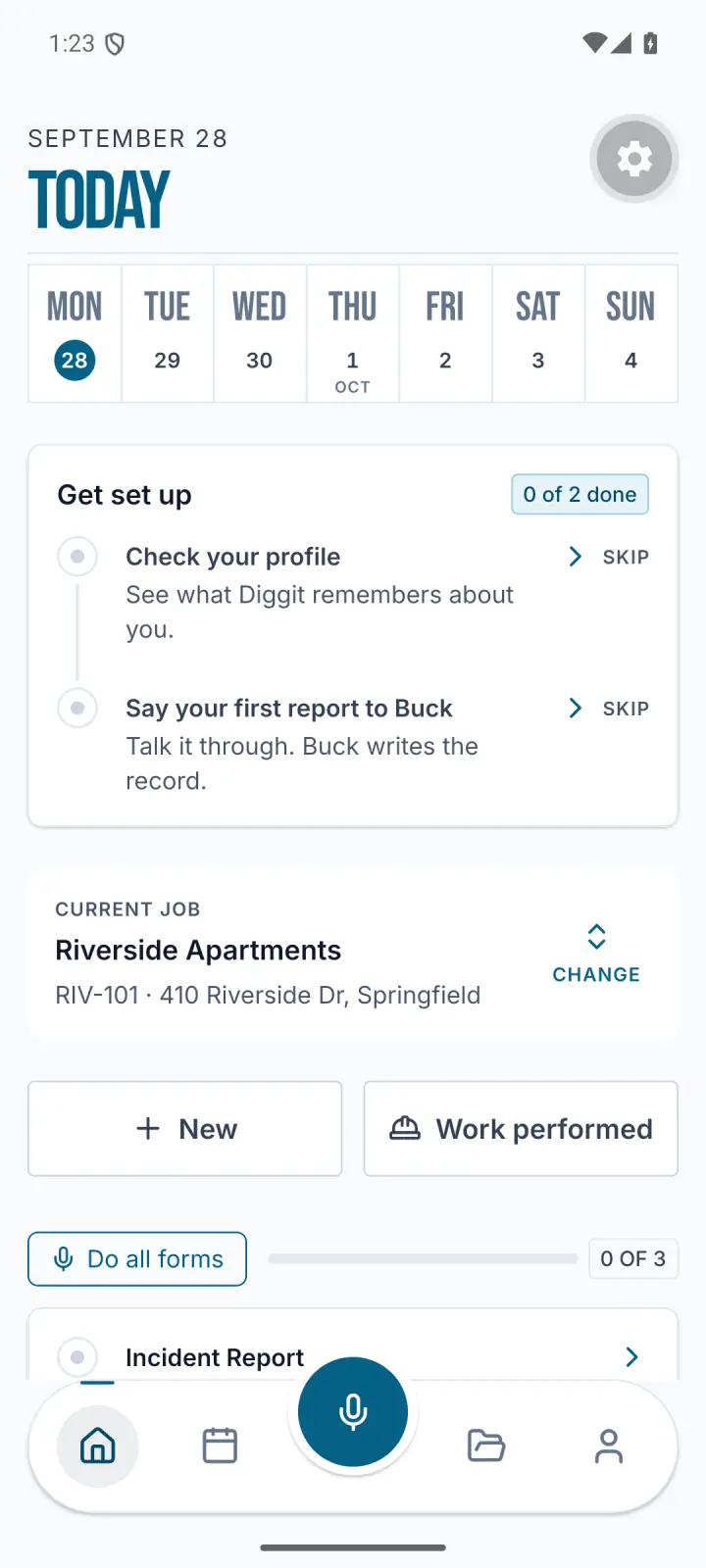
Forms due today, on the web’s Home
Home on the web now has a Due Today list: the forms you still owe today, the same ones your phone shows, each with a button to file it. File one here or on the phone and it leaves the list.
New
The office hears when a workflow fails
When a workflow stops before it finishes, the office gets one Workflow failed notice in the Inbox. It names the workflow and links the record that started it. Test runs stay quiet.
New
Reminders that go out on time
A workflow can now run every day, every weekday, on the days you pick or once a month, at a time on your company’s clock. It can also run when a date on a record comes up, like 3 days before an inspection, and tell the person named on it. Its notices can go by email too.
New
Permission Levels keep a Change History
Each Permission Level shows who changed what and when. Restore an earlier version, or put a built-in level back with Reset to Standard. A level’s access to a List can also depend on the record itself: in the Change Orders and T&M pack, field levels can add Change Orders but can’t approve them.
New
Choose who can join which jobs
A new company setting, Crews May Join Any Job, is on unless you turn it off. When it’s off, people limited to their own jobs see only those, on the time clock too. The office adds people to a job from the Project page under Assigned People, and a field like Foreman can give the job to whoever is named in it.
New
A Free plan with Dashboards and Exports
Every company is now on a plan. Free needs no card and includes Dashboards and Exports, and a cancelled plan drops to Free and keeps working. Settings, then Billing, shows your plan, what it includes, the forms you’ve filed this month and when it renews. A Free company can upgrade to Build there.
Better
Dashboards for every company
Dashboards are now on for every company on the web, with a Dashboard tab on each job page. List tiles show every column their view has, and each choice can carry a color your company sets, so Needs Attention never shows up green.
Better
Search and filter the Work Catalog
The Work Catalog page has a search box and filters for Status, Unit and your company’s own Work Type questions, like Trade. Search matches names, codes, units and notes, and Back keeps your filters.